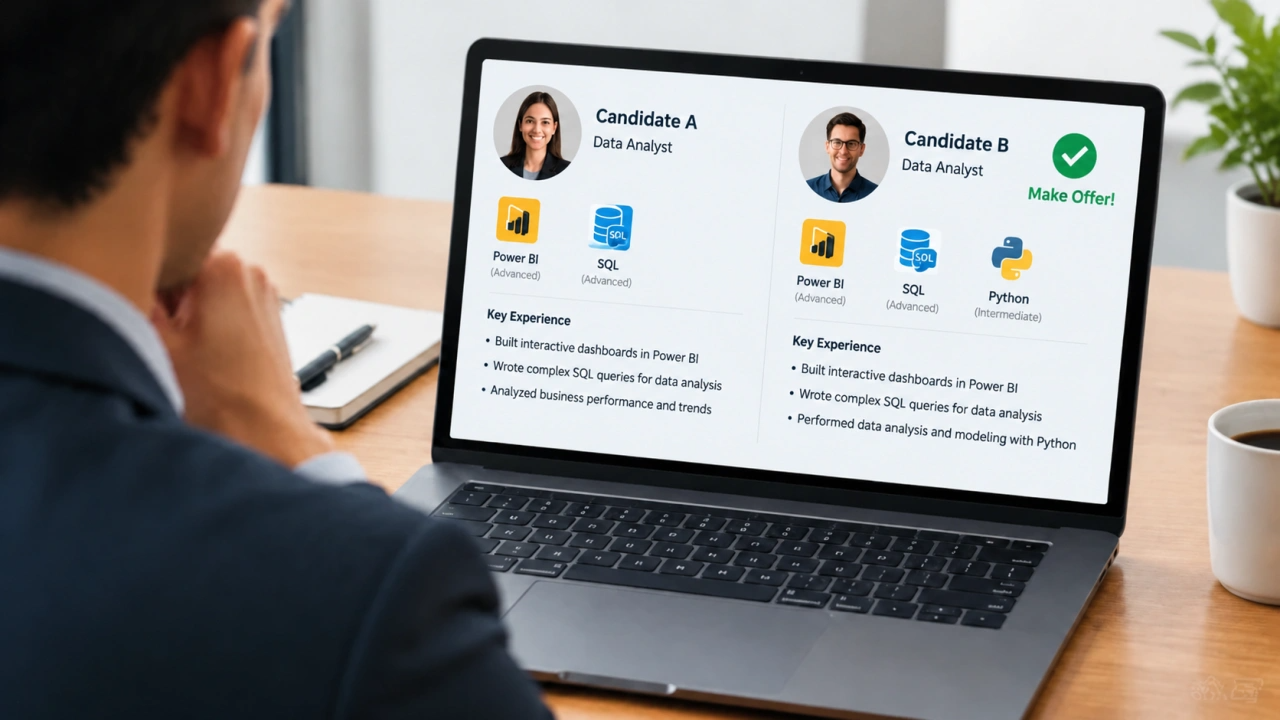
As you browse LinkedIn or other forums, data analyst influencers will tell you that you don’t need to know Python. It’s often listed as a preferred skill. I have noticed, though, that more jobs list it as required.
Even if job listings list it as preferred, it could be the one thing that separates you from someone who doesn’t know it. The good news is, you don’t have to be a Python expert.
You should have a solid grasp of Pandas. If you don’t even know what that is, we’ll get you up to speed. But don’t worry. We have the tools to help you. Let’s start by assuming you do know what it is, but haven’t worked with it much. You’ll first want to know why it’s useful.
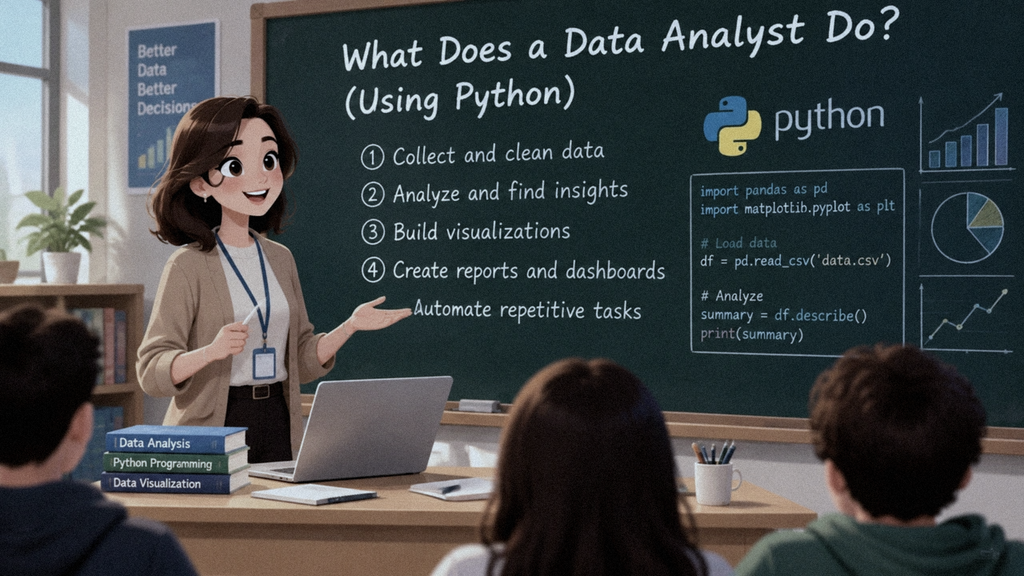
With Pandas, you can:
- Import and export data
- Clean and preprocess data
- Run Exploratory Data Analysis (EDA) to understand how your data is structured and spot early patterns or anomalies.
- Filter and subset your data to fine-tune your analysis and focus only on what you need.
- Aggregate your data
- Reshape and pivot data.
- Perform time series analysis.
- Sort and rank your data
- Run visualizations
You may have heard of tools like Power BI or Tableau and wonder why we’d use Python/Pandas instead. That’s a fair concern, but there are reasons to choose Python/Pandas.
BI tools are powerful, but often not powerful enough for more sophisticated forecasting and data science algorithms. Python can also help build data-processing pipelines that would be difficult or impossible to do directly in the BI tool. A colleague may need a quick report or visualization without the infrastructure overhead involved with BI tools (publishing, assigning roles, etc.)
Python isn’t meant to replace BI tools. It supplements or enhances current workflows where it makes sense to do so.
Do You Know Python?
If you don’t know Python, you’ll need to learn the language’s fundamentals. Many platforms teach Python basics, but they often charge for access. Several of these platforms don’t provide a Python development environment, so you will need to set one up on your machine or find a solid online implementation.
Both options waste time you could spend learning. Instead, sign up for this free Python course, which includes everything you need. That means you can start learning now, with no cost or time-consuming setup (which can fail a few times before it works).
Already Know Python, But Not Pandas?
If you already know the basics of Python but haven’t worked much with Pandas, we’ve got you covered. To be upfront, though, the Pandas course is not free. You’ll need to upgrade to access it. The course I am sending you is the most comprehensive Pandas course I have seen. Does that mean no other course is as comprehensive? Probably not. But I think it will take you a long time to find one, if one exists, and it likely won’t be free. The course I recommend includes a mock interview at the end to help you prepare.
Do prepare to dig in, though, because this course is meaty. You’ll have plenty of exercises and real-world projects. Plus, as I mentioned before, you’ll practice in a mock interview to make sure you really know the material.
Next Steps…
Learning Pandas the right way will put you well ahead of the competition. You can confidently say you know Python/Pandas, which could be the deciding factor in whether someone chooses you over others. Here are two links, depending on where you are in your Python journey.
NOTE: For a limited time, Educative is running a discount of 55% off. Each of the links below are eligible. Please note: site owner may received a commission if you decide to describe but at no extra cost to you.
Total Beginner? Use this:
https://datasciencereview.com/learn-python-free
Know Python but Not Pandas?






Be First to Comment