
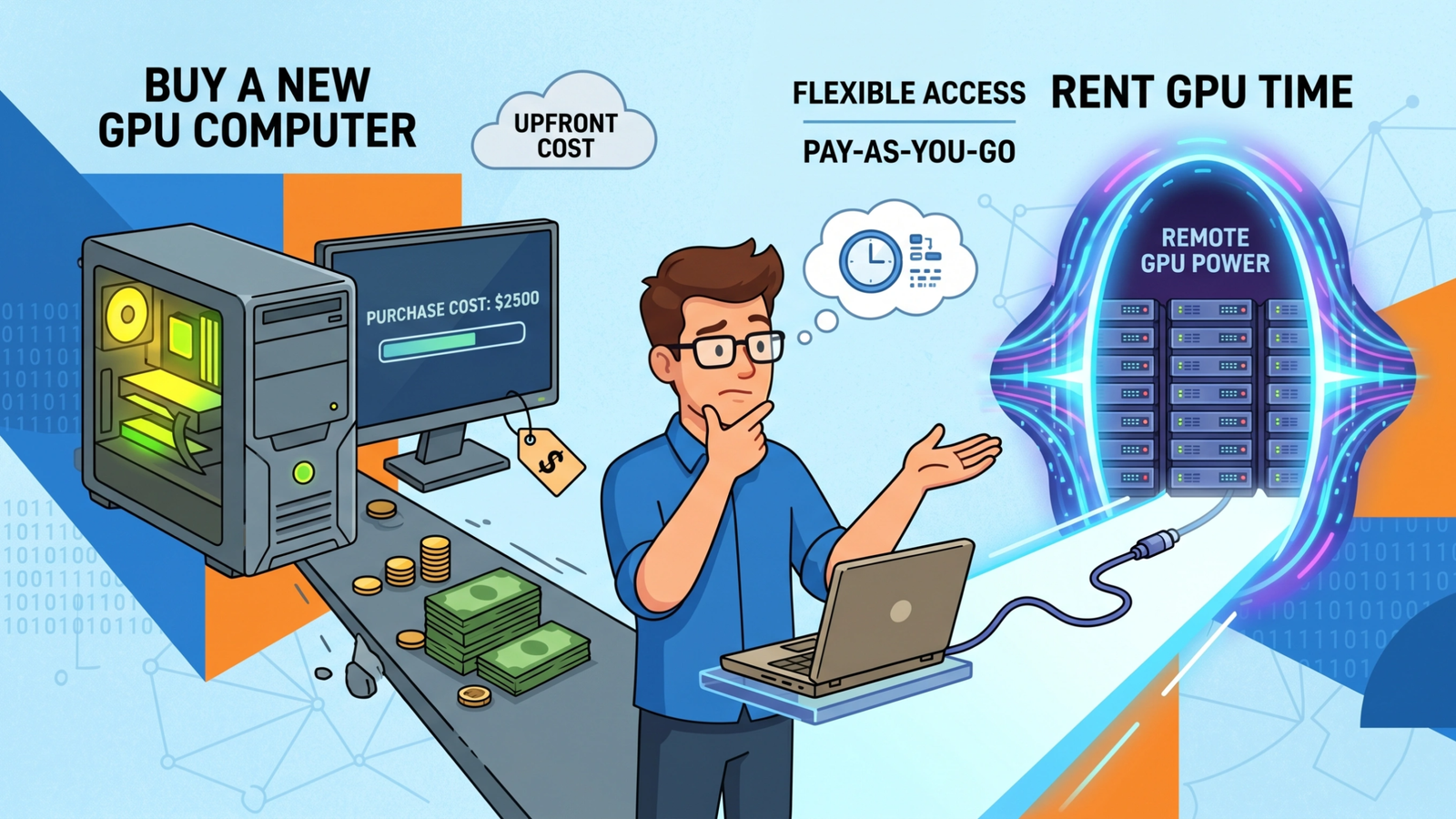
The one aspect of AI that we have all had to contend with is the cost. Whether it’s the hardware costs of purchasing machines or the inference costs of running models online, you can expect to pay hefty fees over time. And you can seldom get away with using only one model. Most people have at least four or five paid subscriptions to the AI tools they use.
And that’s just the monthly costs. They also charge you per use for tokens. You get a default number of tokens, but you’ll have to buy more (if your subscription tier allows it).
Want to view the specs on RunPod without viewing this article? You can find them here.
Open Source Models
I had read articles and seen videos of people running capable open-source models on their local machines, which piqued my interest. When I purchased my laptop a few years back, I purchased one supposedly with a GPU. I was hoping that this “GPU” was powerful enough to experiment with local models.
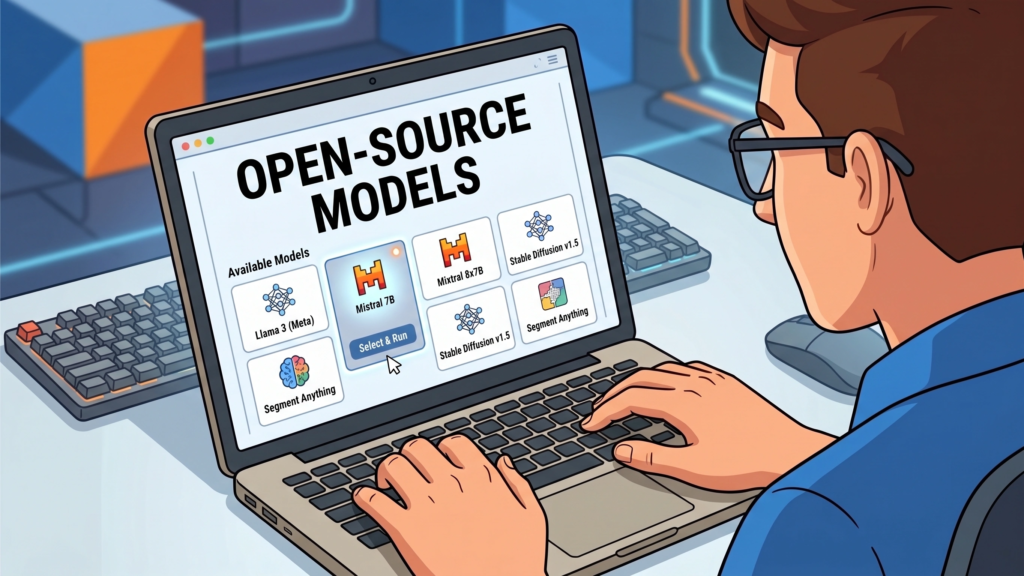
But it was excruciatingly slow.
When I asked ChatGPT about this, it helped me discover that the type of “GPU” I had was inadequate to run models on my laptop. It turns out the GPU in my machine is bundled with the CPU on this particular Intel chip.
No Inference Costs
Running local open-source models incurs no inference costs, and if you have a decent machine, the higher-end models would produce good enough output for many tasks you would need them to accomplish.
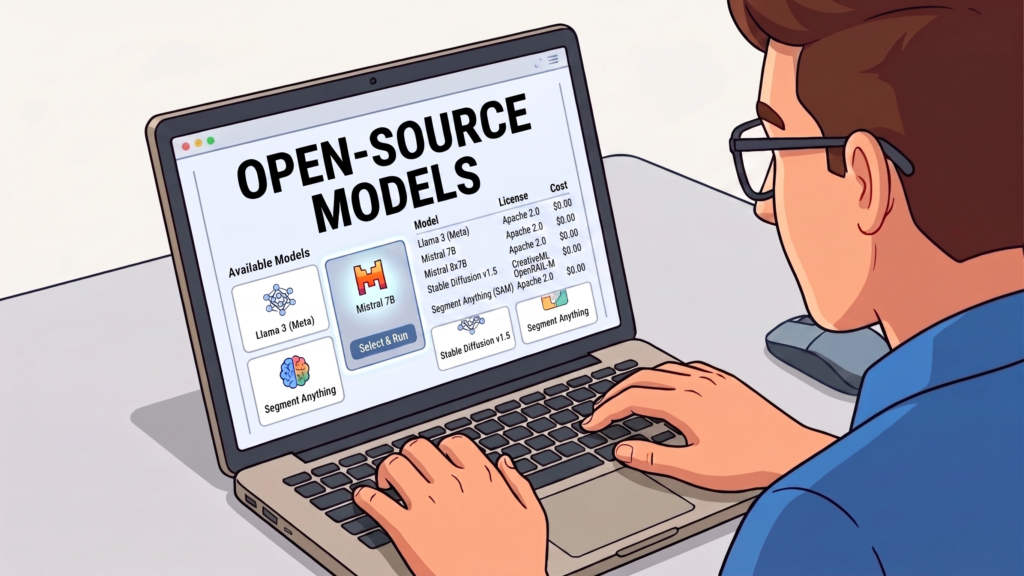
These higher-end open-source models weren’t quite as powerful as OpenAI or Anthropic. But if you knew how to work with APIs (which I do), you could combine open-source solutions and frontier models. And this could help to keep costs down.
My disappointment in not being able to run local models led me to start pricing for a new machine. Talk about sticker shock! I knew it was going to cost more than I was used to paying for a machine. But the prices I saw were completely over the top.
For the workflow I wanted to run, I would need to purchase a machine that would cost about $5,000. Worse, that wasn’t even a top-of-the-line machine. I had read that people are paying in the five digits for some of these machines.
Renting GPUs
Then I saw a few YouTube videos about services that rent machines. You can choose any configuration you want during your session and switch to higher- or lower-powered machines as needed.

I was excited to learn that this option was available to me. But it was a bit of a letdown when I found out several of these services charge a monthly fee.
After ChatGPT ran a cost analysis comparing buy vs. rent, it still came out cheaper to rent, even with the monthly fee. So I was ready to pull out the credit card and sign up.
Then, I discovered RunPod, which did not charge a monthly fee. You pay only for what you use. I think they probably charge a bit more for the rentals, but I was certainly okay with that.
Vendors have their economics just like the rest of us. But even the price differentials were not overly out of whack. So the higher prices seemed like a good tradeoff.
SOC 2 and Now Type 2 – Fantastic!
When I first started working with RunPod, they were not SOC 2 Type 2 compliant. They had SOC 2 compliance, but were working towards Type 2 compliance. The good news is that they are fully compliant.
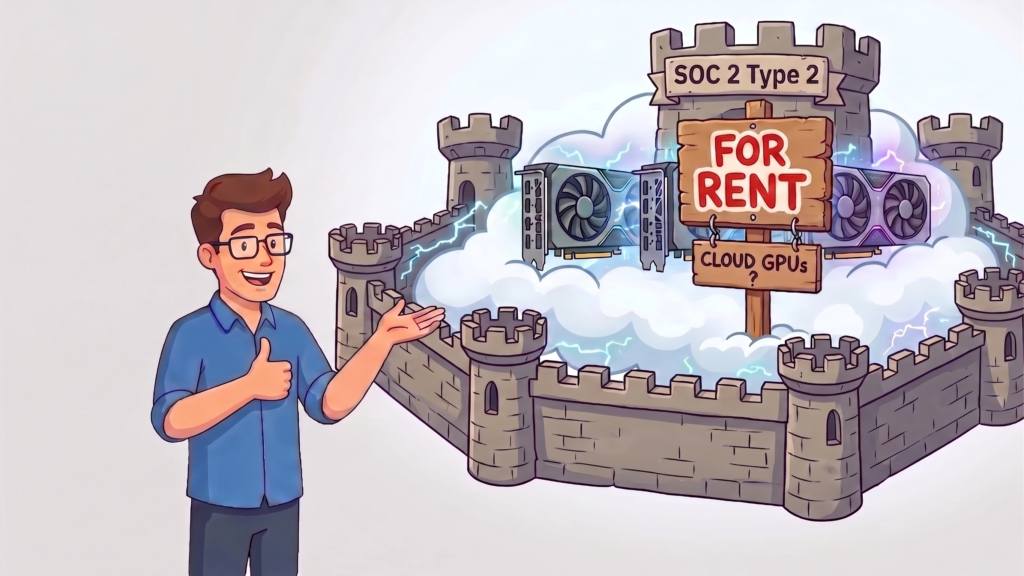
If you are unfamiliar with these terms (SOC 2 Type 2), it means an independent authority audits a company’s environment to ensure the security and privacy safeguards the company has in place meet the authority’s standards.
It means you can feel confident in sending sensitive information to your models on RunPod. SOC 2 Type II also ensures that these standards are maintained.
My Decision
I decided against buying a new machine and signed up for RunPod. I believe all you need to do is fund your account with $5.00-$10.00 (not sure of the exact amount). But that won’t delete unless you actually use the services.
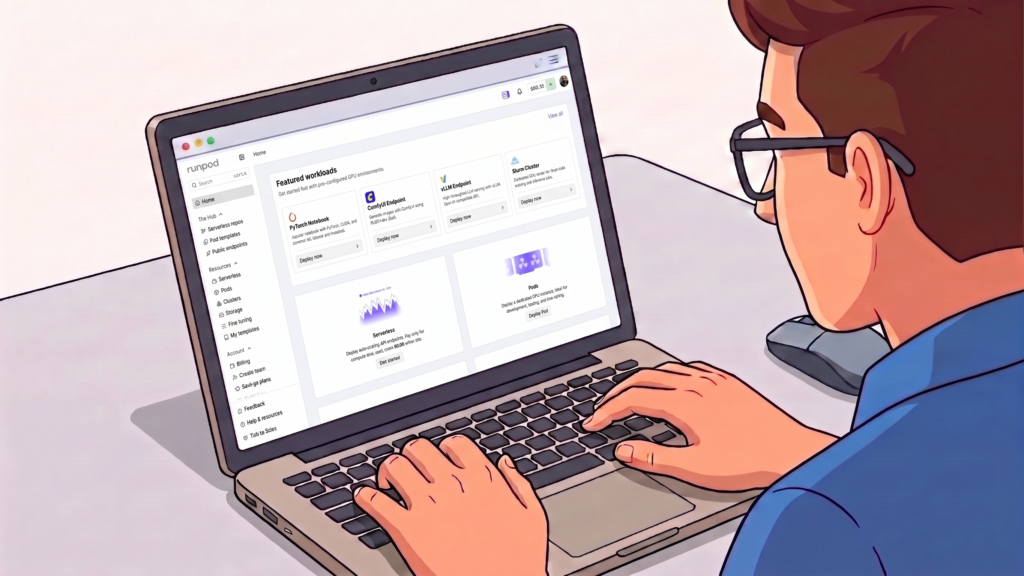
RunPod has preconfigured templates that you can use for specific purposes. For instance, if you wanted to configure ComfyUI (a graphics program for creating images and videos), there is a template for that. If you wanted to run machine learning models, they have templates for that, as well.
On this topic, many of the templates are member-contributed, and apparently, you can get paid for the templates you create if people implement them.
I won’t get into the details of what you can do with RunPod, as that would take up several more pages. But if you were planning on purchasing a machine to run AI workflows yourself, suffice it to say that these workflows would be able to run on RunPod instances.
Want to See the Full Breakdown?
I put together a detailed comparison — real hardware costs vs. RunPod pricing, actual case studies from teams who made the switch, and a feature-by-feature rundown.
Read the Full Comparison →
Be First to Comment